Skip to content
NAMEFRAMECommercial PreviewApply for Pilot
Fab

NameFrame Capture is coming to Fab.

A native Unreal plugin that renders RGB, metric depth and a per-instance identity pass out of the engine’s own buffers, so what occludes what is decided by the GPU rather than guessed at afterwards. This page is the scope statement: what the plugin does, what it was verified on, what it does not include, and what is known to be wrong with it. Read it before you buy rather than after.

Plugin version
1.0.0
Engine
Unreal Engine 5.8
Platform
Win64
Last verified
17 August 2026

The listing is not live yet. When it is, this page links straight to it — and until then the output is already downloadable, which answers more than a store page would.

What the plugin does

Captures from the engine's buffers

Rendered RGB, depth as float32 metres, and a per-instance identity pass. The identity pass is the ground truth every label is derived from: each instance gets its own id, and occlusion is whatever the GPU resolved rather than a heuristic applied to bounding volumes afterwards.

Authors the scene in the level

Spawn, target, exclusion and camera zones are real actors you place and resize in the viewport. A flight path actor drives the camera. Level actors are assigned to classes one at a time or in bulk, and the spawner records what it was asked for, what it placed, what it refused and why.

Ships a runtime and an editor module

NameFrameCapture (Runtime) and NameFrameCaptureEditor (Editor). The editor module is the Studio panel and the authoring tools; the runtime module is the capture itself and a Blueprint-callable library. It enables Niagara as a dependency.

Writes a deterministic contract

A run is described by a job file with a seed, and the whole contract is hashed. Change the scene, the classes, the camera policy or the seed and the hash changes with it. Every frame carries the camera pose, the actor positions and the environment state at the moment it was taken.

What it was actually verified on

One engine, one operating system, one dated run against a named commit. Everything else is untested rather than unsupported-in-principle, and this site does not blur the two.

The plugin built, its Automation suite passed and a live capture ran on Unreal Engine 5.8 on Windows, on 17 August 2026, against plugin source 454b60fb. The plugin source has changed since that run, so by our own policy the record is stale: it is the last engine verification we can show you, not a statement about the code as it stands today.

That claim is generated from compatibility/nameframe_compatibility.json, which binds each verification to the SHA-256 of the plugin source it was run against. This page recomputes that digest at build time and compares. When the two disagree the wording changes by itself — which is why it currently reads the way it does rather than repeating a verification that has not been redone.
What comes out of a run

One capture writes all of this from the same frames, so the modalities agree with each other by construction.

Rendered frames

The RGB the engine drew, at the resolution and lens profile you set.

Metric depth

Float32 metres per pixel — the depth buffer, not an 8-bit greyscale picture of it.

Per-instance identity

An id buffer where every instance is separable, which is what makes masks and boxes derivable rather than annotated.

Camera and scene metadata

Pose, intrinsics and field of view per frame, plus the spawn manifest and the environment state at capture time.

Boxes, masks, YOLO, COCO, the validation report and the grade are produced from that dump by the Python package, not by the plugin. That split is the single most important thing on this page, and it is why the section below exists.

What is not included

The nameframe Python package

The plugin captures. Turning a capture into labels — bounding boxes, instance masks, YOLO and COCO, the validation report and the grade — is the nameframe Python package, and it is not inside the plugin and not on PyPI. The Studio’s Verify, Report and Dataset steps run python -m nameframe.cli to reach it.

Buying the plugin gets you the capture: rendered frames, metric depth and the per-instance identity buffer that labels are derived from. It does not get you the labels. The package is supplied through the private pilot.

Maps, props or any 3D content

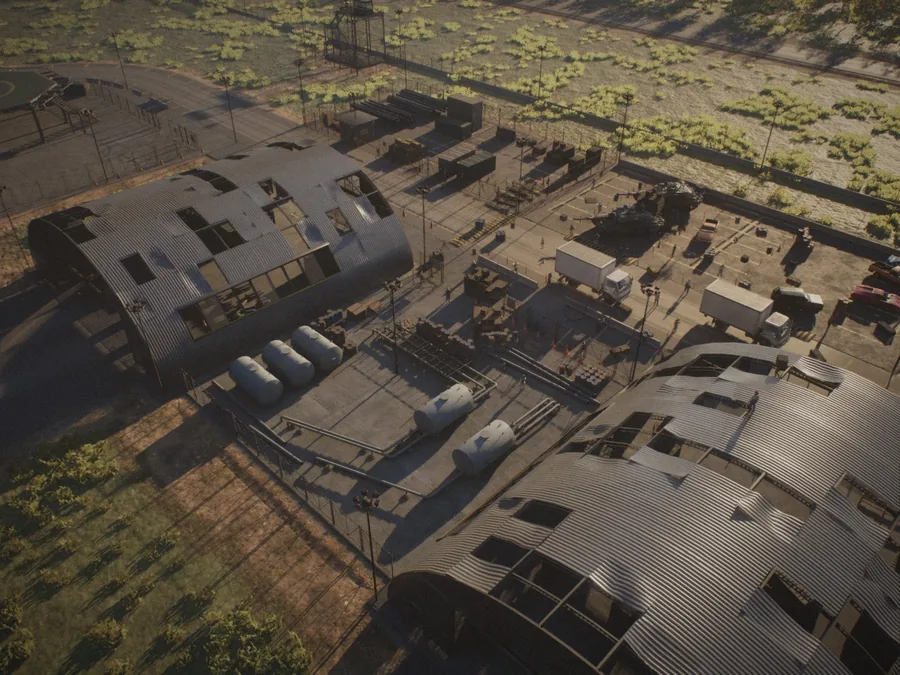
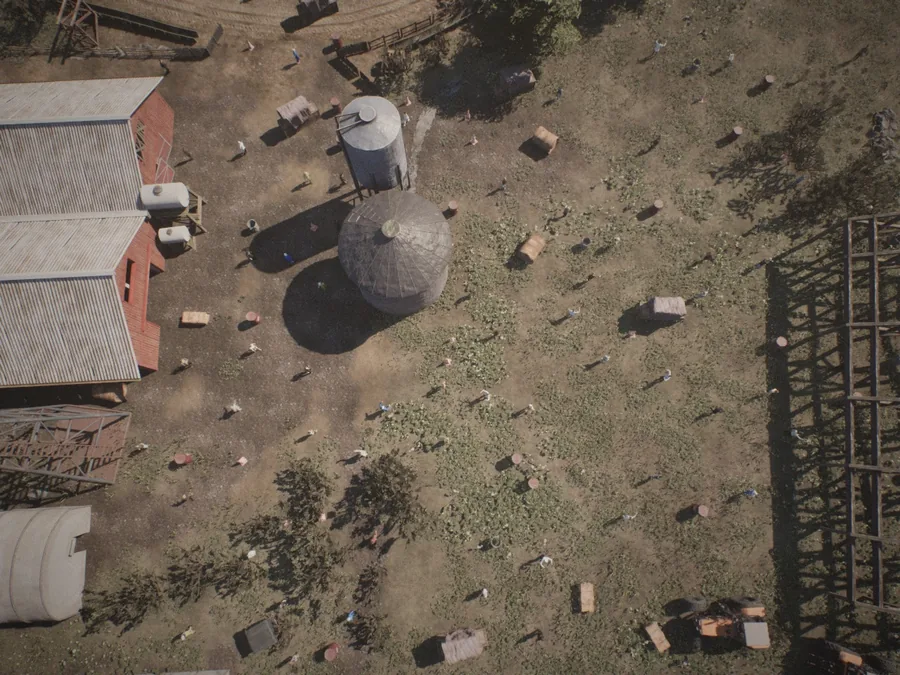
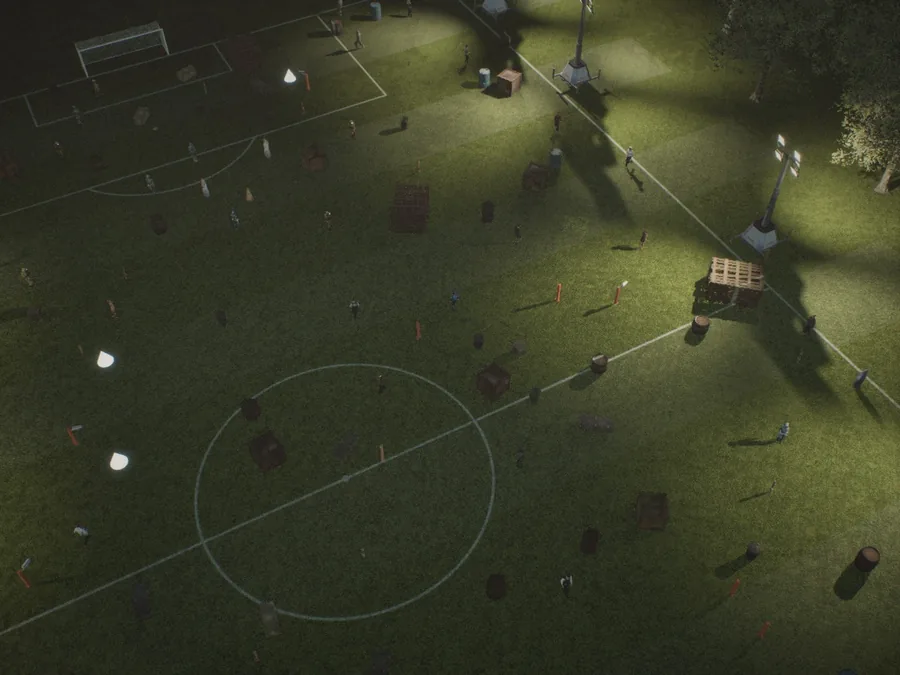
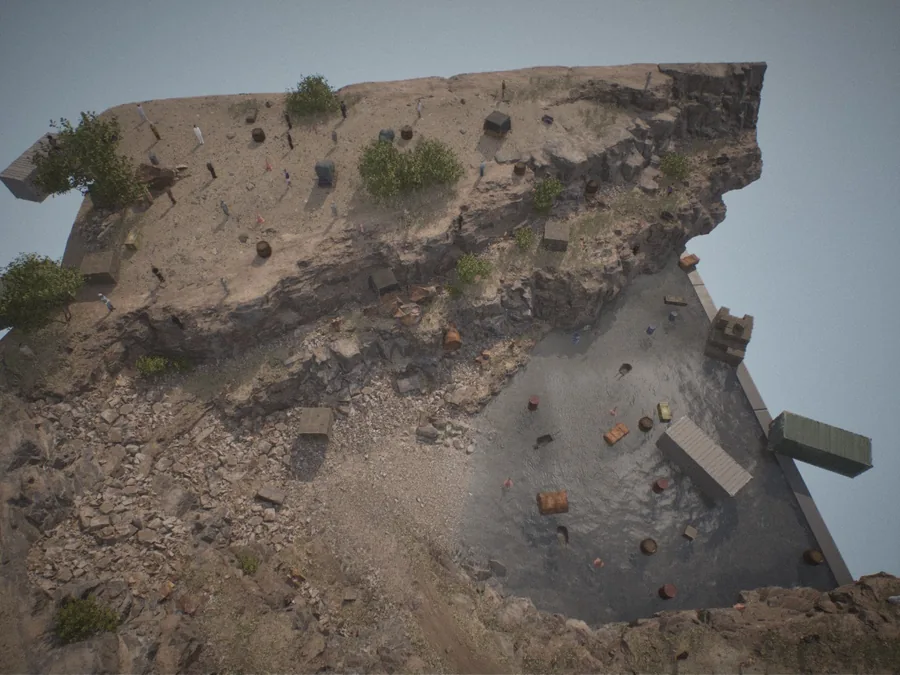
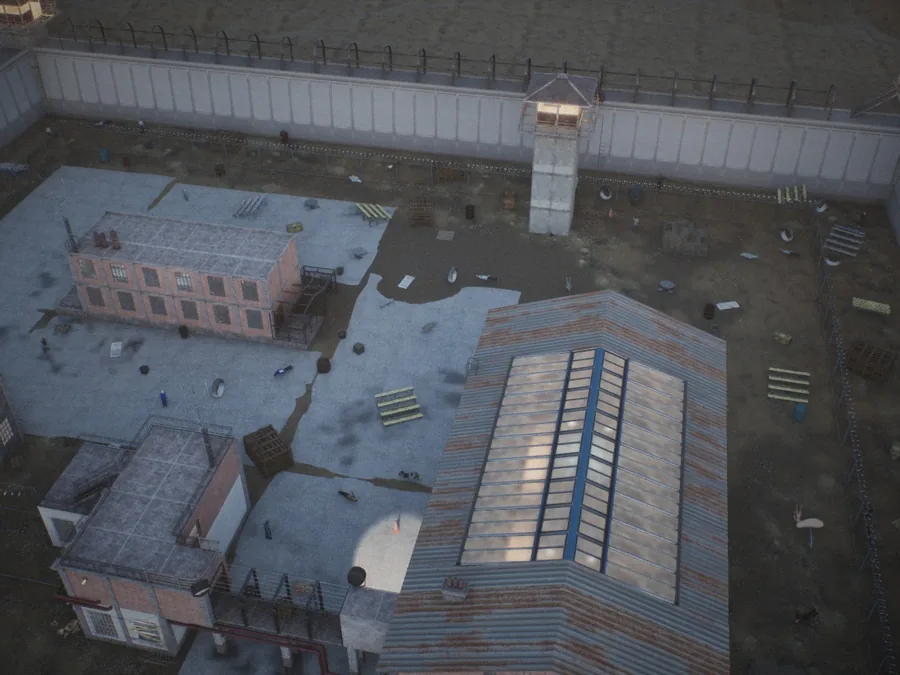
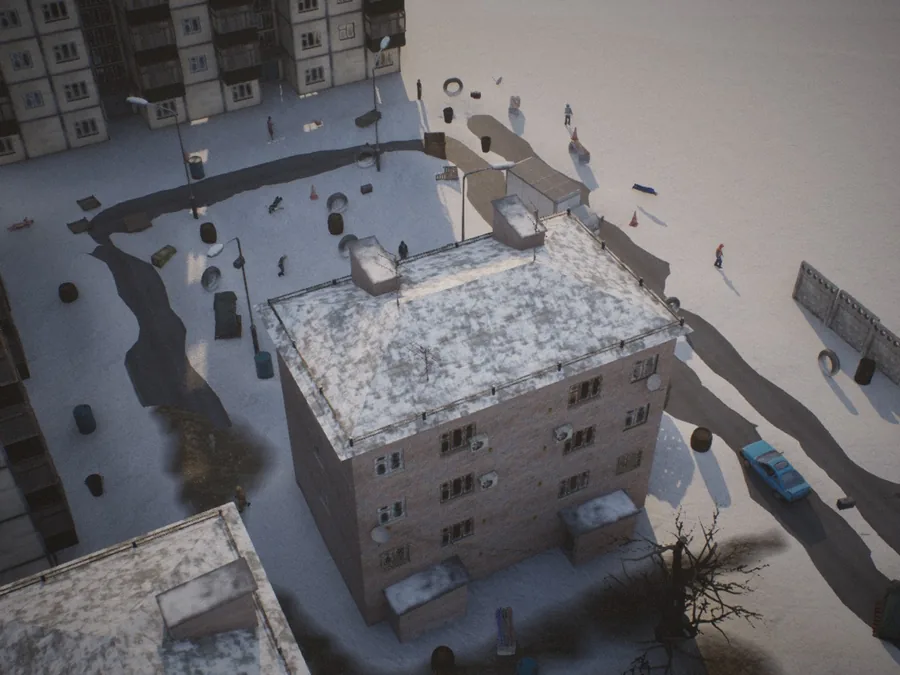
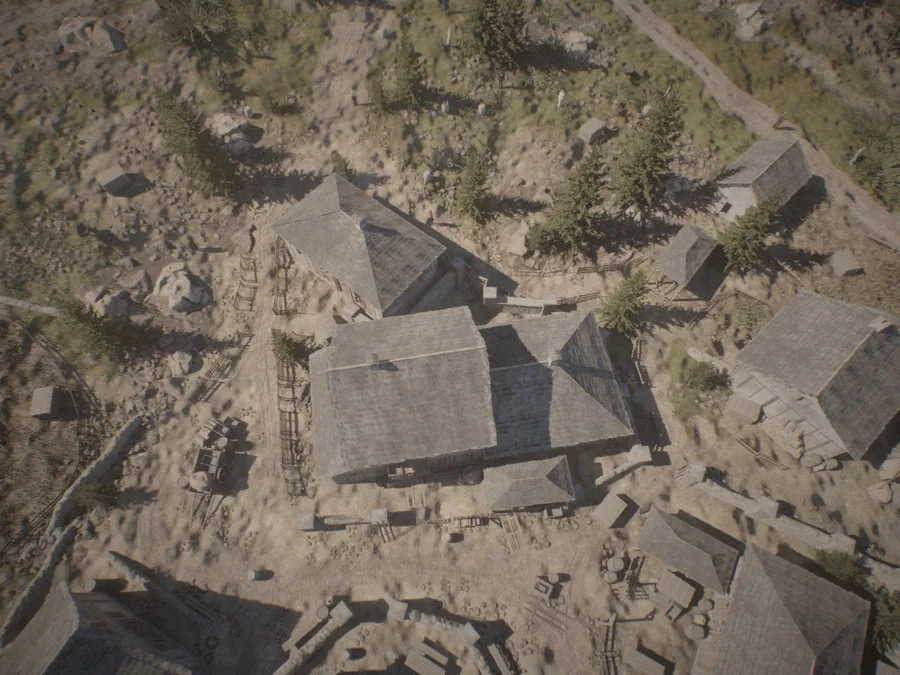
CanContainContent is false in the descriptor: this plugin ships code, not assets. The eight scenes pictured on this page were built from third-party marketplace assets that are not ours to redistribute, and none of them are in the plugin or in any dataset archive.

It captures the level you already have. That is the intended use — point it at your scene, not at ours.

Engines and platforms other than the verified ones

The descriptor declares 5.8.0 and Win64 and nothing else. There is no macOS or Linux build, no console support, and no other engine version is tested or claimed.

It may well compile elsewhere. Compiling is not what this site means by verified, and the difference is written down in our quality policy.

A price, an SLA or a support contract

NameFrame is in Commercial Preview. There is no published price, no support agreement and no stable public API. Questions go to a person at hello@getnameframe.com, which is the whole of the support offer and is stated that way on purpose.

Known limitations

Not a disclaimer block. These are the things a buyer would otherwise find out in the first week, and every row was checked against the shipped source rather than recalled.

AreaWhat to expect
Engine and OSUnreal Engine 5.8 on Windows only. Both plugin modules carry a Win64 platform allow-list, so the plugin does not load at all elsewhere.
Labelling needs PythonCapture is native C++. Labels, export, validation and grading are the companion Python package, which the Studio launches as a subprocess. No Python, no labels.
Editor-only Blueprint nodesThe Runtime module exposes Blueprint nodes that are compiled behind an editor guard: CreateFixedCameraFromViewportActiveWorld and CreateSceneHelperActiveWorld return false with an explanatory message in any packaged build, every time. They are authoring tools that happen to live in a runtime module, not runtime features.
Viewport RGB backendThe viewport_highresshot RGB backend needs an active perspective level viewport, so it is editor-only too and refuses in a packaged build; fast_scenecapture is the backend that works headlessly. Anything driving capture without a viewport has to select it.
Engine evidence is staleThe last recorded verification run was on 17 August 2026, against plugin source 454b60fb. The source has changed since, so that record is stale by our own policy and has not yet been repeated.
What the data has not provedTraining on NameFrame output has not been shown to improve accuracy on real footage. Our own synthetic-only detector lost recall on real drone frames, and that experiment is published in full rather than omitted.

Per-capture limitations are published too: every dataset page carries the list of things wrong with that specific run, and the quality page shows every gate and verification check from a real capture, including the one that failed.

What it produces, on eight real scenes

Every frame below is an exported dataset image from a NameFrame run — the same bytes a downloader receives, not a screenshot taken for this page. All eight captures are published in full: 2,400 frames and 119,945 labelled instances, with the labels, the masks, the depth, the metadata and each run's own validation report.

Take all eight — there is no sign-up. A detector trained on exactly these scored 0.350 recall on real drone footage: below the prior it was compared with on recall, above it on precision, and not the result we were hoping for. The method, the numbers and the failure patterns are published in full because a result that only records success is not a result. If you can do better with the same frames, they are right there.

The archives carry rendered frames and labels only. The maps and props the scenes were built from are third-party assets and are not redistributed.

Support

One address, answered by the people who wrote it: hello@getnameframe.com. Bug reports, questions about whether it fits your scene, and anything you find wrong in the published data are all equally welcome — the last of those especially.

The documentation covers every Studio control, and the no-code walkthrough shows the five-step panel with the two steps that need Python marked. If you are evaluating rather than reading, download a capture and open it.