
Population
Choose which objects appear, where they appear, how densely, and which of them belong together. Crowds around a vehicle, crates against a wall, workers where work happens.
- classes
- count / density
- spawn zones
- groups
- relative anchors
NameFrame generates synthetic computer vision datasets inside Unreal Engine: deterministic, validated, and derived from the scene rather than guessed at.
Frame the world.Name the frames.
Commercial Preview · UE 5.8 verified
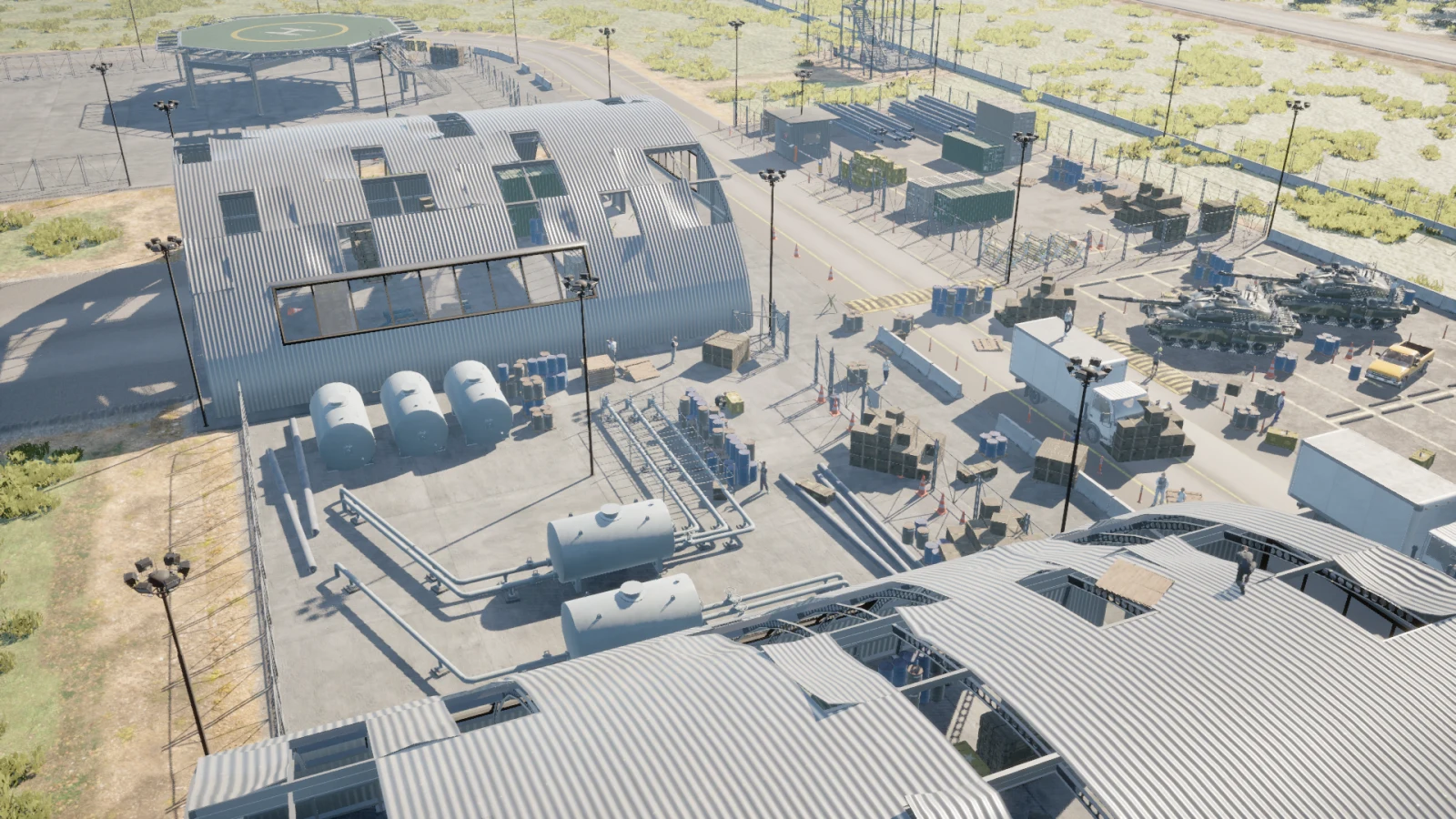
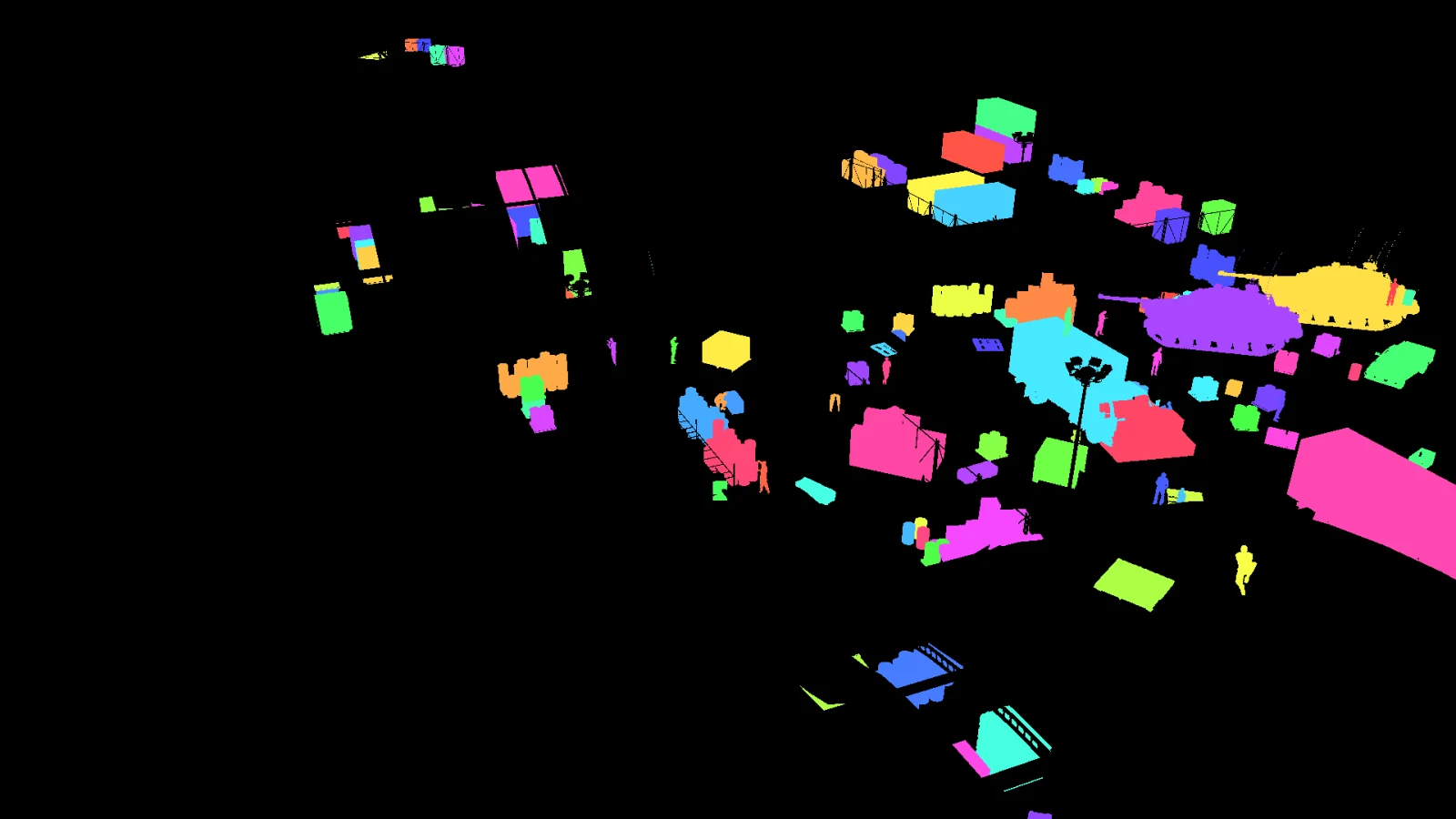
In Unreal Engine, objects already have identities, transforms, geometry and camera relationships. NameFrame turns that scene knowledge into structured ground truth instead of asking a human to reconstruct it afterward.
The object already exists in the level, with a class, a transform and geometry.
NameFrame gives it a stable identity that survives weather, time and camera changes.
The engine writes an ID buffer, so the instance owns an exact set of pixels.
The box is measured from those pixels. Occluded instances shrink; hidden ones drop out.
Distance, class and instance id ship with the frame, not in a separate spreadsheet.
Traced through one real instance from frame 000004 of the Map_Airbase_Demo capture. Nothing on this list was typed in by hand.
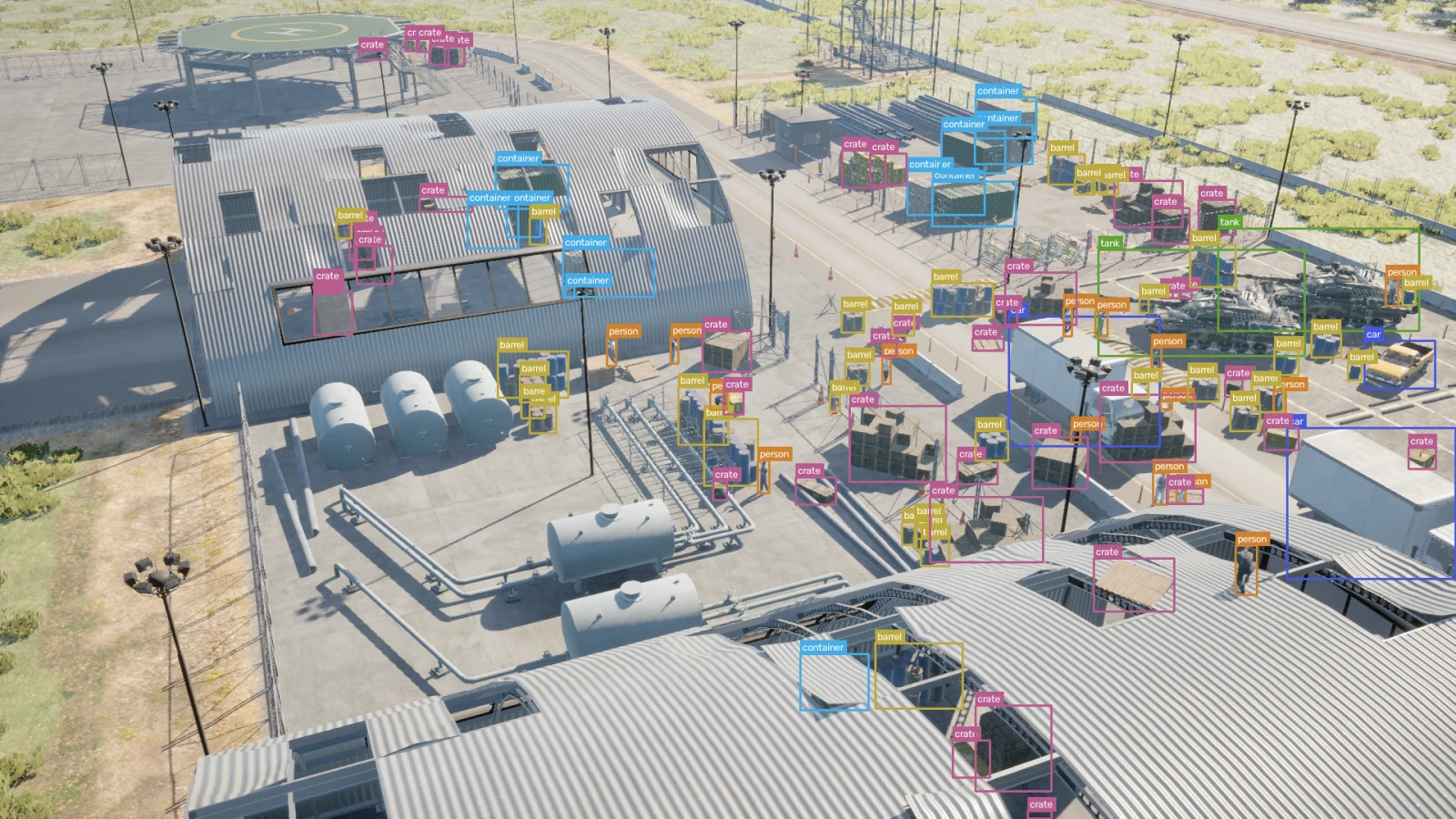
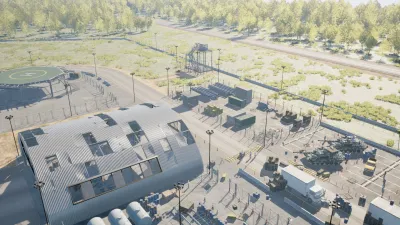
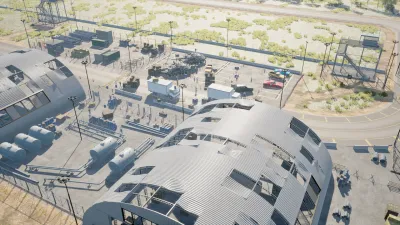
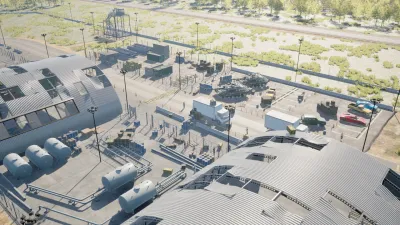
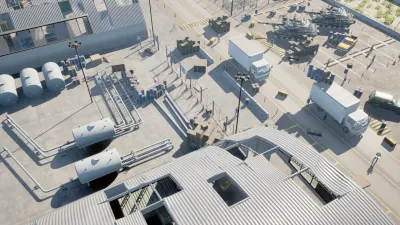
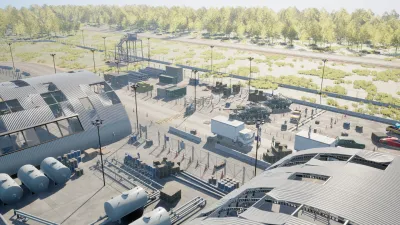
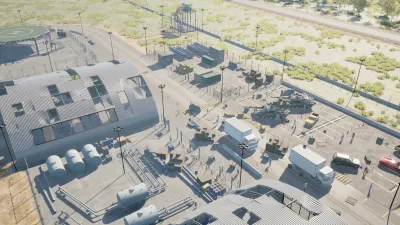
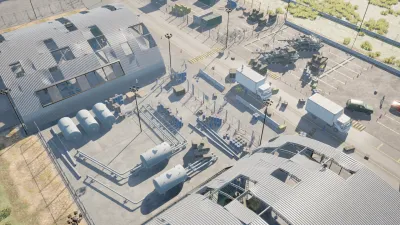
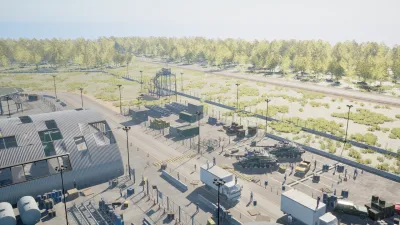
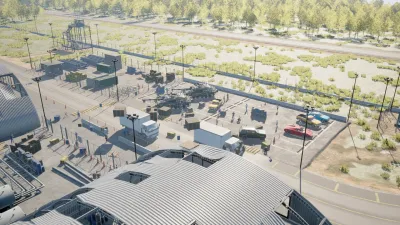
Every object in the level is already a known thing with a known position. That is the raw material, and it exists before a single pixel is rendered.
A calibrated camera writes the image. Lens, sensor, exposure and weather are all part of the recipe, so the same recipe renders the same frame again.
Alongside the render, the engine writes a per-instance ID buffer. Two identical crates side by side are still two different instances, because the buffer says so.
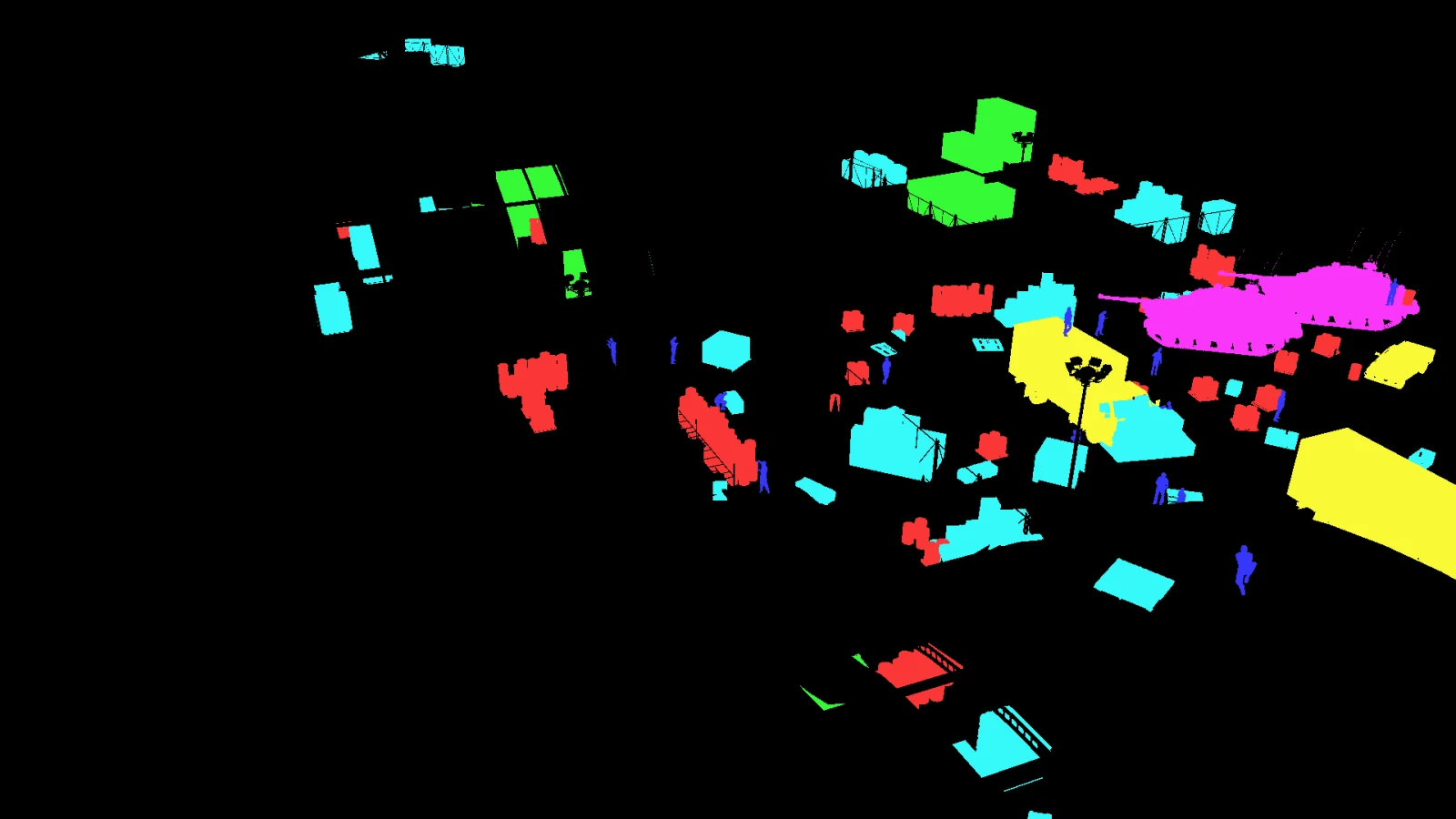
Ask the same buffer a different question and it answers with classes. No second pass, no model, no guessing which pixel belongs to what.
Each box comes from the pixels the instance actually holds. An object half behind a hangar gets the smaller box it deserves, and one fully hidden is dropped.
Class, instance id, distance, camera, seed and the full configuration travel with the frame. When a label looks wrong you can go back and see exactly what produced it.
Change the camera, the population, the weather or the time of day, and the identities hold. That is the difference between a render and a dataset.
A capture recipe is a description of the conditions you want, not a recording of the conditions you got. Four things are yours to set.
Choose which objects appear, where they appear, how densely, and which of them belong together. Crowds around a vehicle, crates against a wall, workers where work happens.
Set distance, altitude and orientation, or hand over a zone and let it sample within it. Viewpoints that would produce nothing usable are rejected before they cost a render.
Move the sun, roll in weather, switch to night. The pixels change completely and the annotation identities do not move at all, which is the whole point.
Vary materials, animation state and pose from a seed, so a rerun of the same recipe produces the same variation rather than a new one.
Placing a hundred objects by hand gives you one scene. Describing how they should be distributed gives you every scene you were going to need after that.
Actors are placed across a region and settle on the surface they land on, so nothing floats and nothing sinks into the ground.
54 placements
Every capture writes these together. They are aligned by construction, because they come out of the same render rather than being reconciled afterwards.
RGBINSTANCE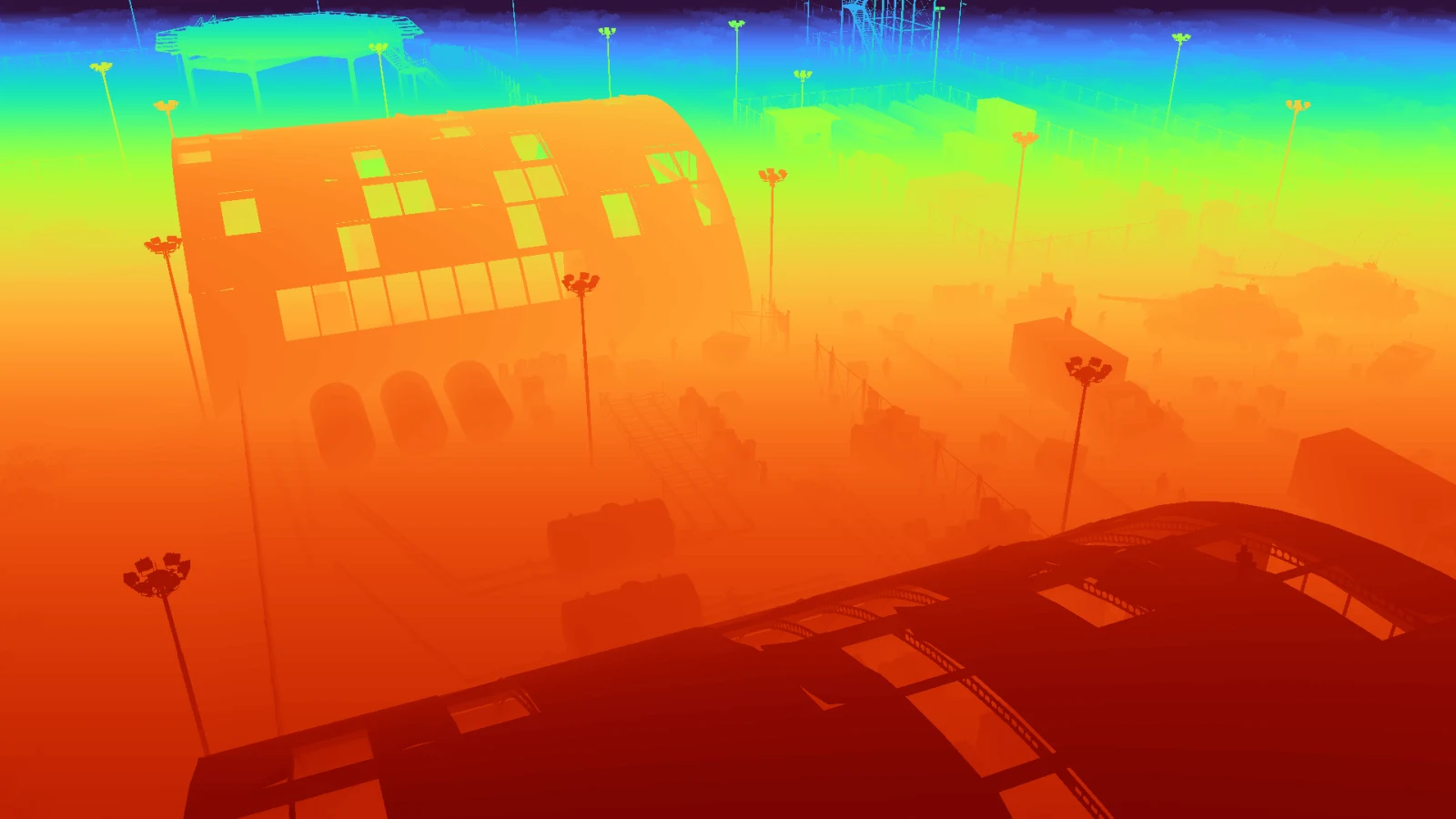 DEPTHBBOX
A generated dataset is a claim about a world that never existed. The only thing that makes it worth training on is the evidence that it was produced the way it says it was, and that the labels match the pixels.
One master seed drives every placement decision. It is written into the capture and into each frame's own spawn manifest, so a frame can be traced back to the number that produced it.
The complete configuration is hashed and stored beside the frames. If the scene, the classes or the camera policy changed, the hash changes with them.
Gates run against the finished capture and have to pass before it becomes a dataset. A run that fails one stops there rather than exporting something that looks fine.
Labels are checked against the geometry that produced them: every blob is matched to the actor position it should have come from, and identity colours are checked for collisions.
Each frame keeps its own manifest, and the manifests are checked against the run index. What was asked for, what was placed and what was refused all stay on disk.
Verification recorded when this capture was labelled. Quoted as written.
One check did not pass on this run, and the report says so. Three of ninety visible people lost their box to a neighbouring instance’s colour. That is a 3.3% false-negative rate on the person class in this capture, and it is the kind of thing you only find by checking the pixels against the geometry.
A generation run is the expensive part. Everything that can go wrong in one can be found before it starts, so NameFrame puts three cheap steps in front of it instead of a single button that either works or wastes an afternoon.
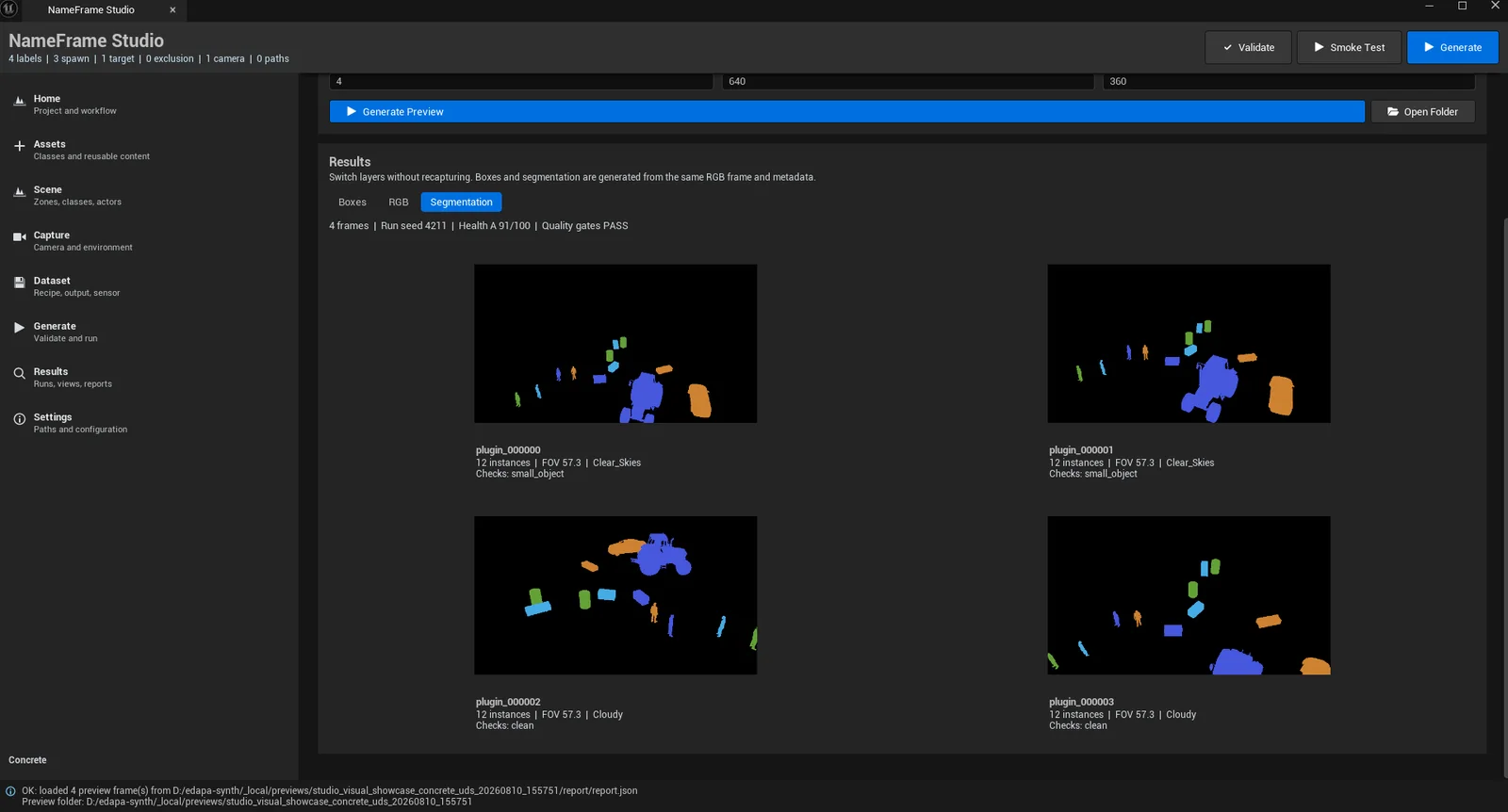
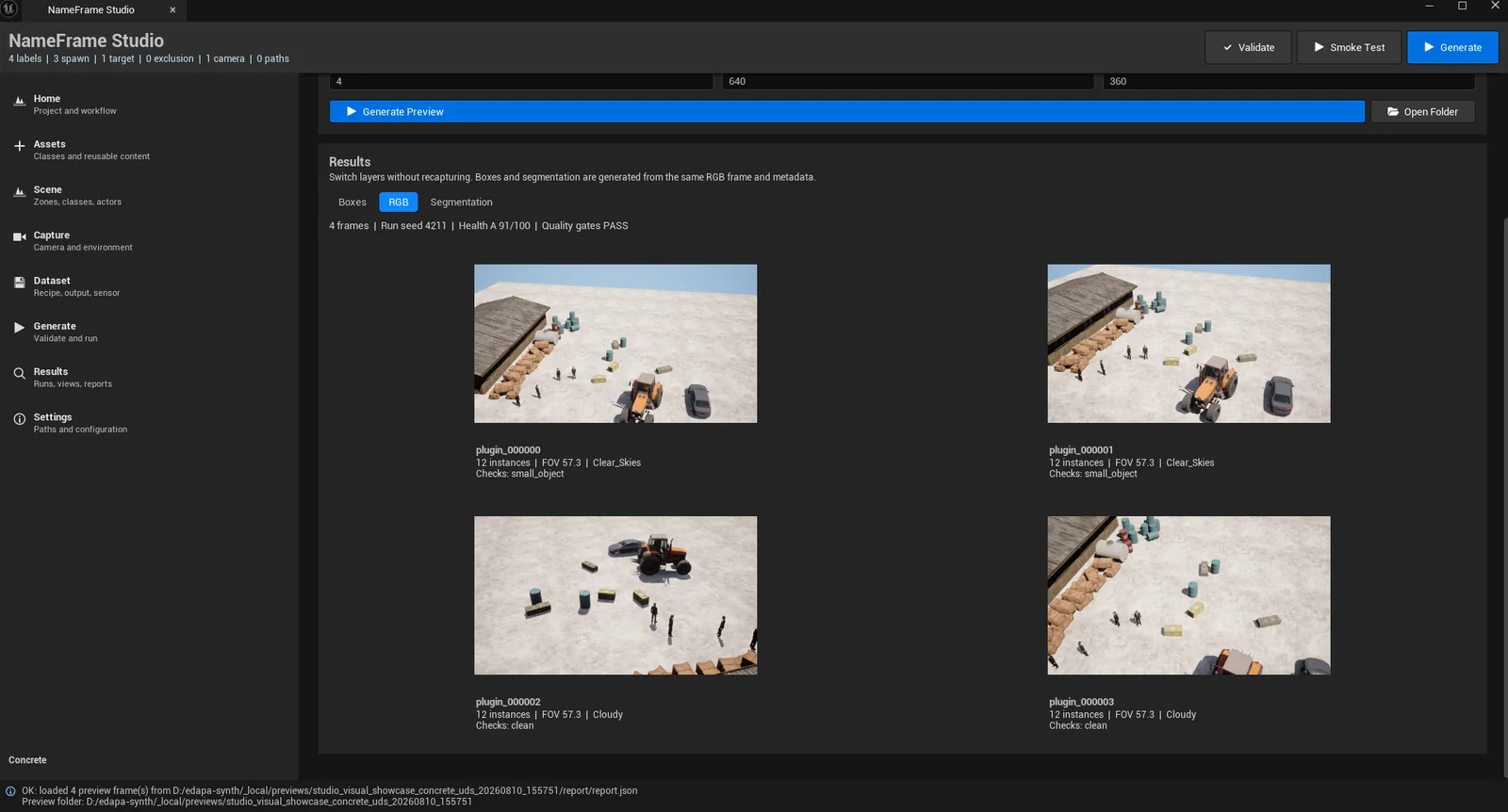
The preview is a different, smaller run than the Map_Airbase_Demo capture the rest of this page uses. It reports its own seed, health grade and gate result on the same line as the frames, because a preview you cannot judge is only a picture.
Ten thousand frames of the same view from the same distance is one frame, repeated. These are the real distributions of the 40-frame airbase capture this page has been showing, computed from its own buffers and manifests.
Every annotated instance, measured from the camera position to the actor's own recorded position. The run's cameras sit in four authored zones, which is why the mass falls between 40 and 120 metres rather than spreading evenly.
Only constraints this run actually declared appear here. A target nobody configured would be a number invented for a table.
| Constraint | Target | Actual | Gap |
|---|---|---|---|
| Minimum spacing between placements | ≥ 1.00 m | 1.00 m | met |
| Viewpoint retries per frame | ≤ 32 | 9 | met |
| Targets visible per accepted frame | ≥ 18 | 73 | met |
| Frames with no annotation | 0 | 0 | met |
The engine writes a raw dump and nothing else. Everything a trainer consumes is derived from that dump afterwards, which is why the same run can be re-exported into a different format without going back to the editor.
Map_Airbase_Demo · 40 frames · 1920×1080
| Split | Images | Labels | Masks |
|---|---|---|---|
| train | 31 | 31 | 31 |
| val | 9 | 9 | 9 |
| test | 0 | 0 | 0 |
Only the formats this build genuinely writes are listed. The test split is empty on this run because it was exported with a train and validation split only, and an empty split is shown as empty rather than quietly dropped.
Every number on this page came from a run that happened. Each one is followed by what it does not cover, because a claim without its limits is not evidence, and you would find the limits yourself within a week anyway.
We are working with a small number of teams during the NameFrame Commercial Preview. If the data you need is dangerous, rare, or simply does not exist yet, that is the conversation we want to have.