Skip to content
NAMEFRAMECommercial PreviewApply for Pilot
Product

Unreal owns the capture. Everything else is derived.

NameFrame is a plugin and a pipeline. The plugin lives inside Unreal Engine 5.8 and writes a raw dump: rendered frames, a per-instance identity buffer, depth in metres, and a record of where every actor and camera was. Everything a trainer eventually consumes is computed from that dump afterwards, which is why a run can be re-exported without going back to the editor.

Engine
Unreal Engine 5.8
Studio
In-editor panel
CLI commands
110
MCP tools
38

Use the Studio. Drop to code only when you want to.

Two ways in, one system underneath. The operator path never asks you to open a terminal, and the developer path never asks you to open the editor. Both drive the same capture and produce the same evidence.

Operator

NameFrame Studio, inside Unreal

A panel in the editor with five steps: Scene, Capture, Dataset, Generate, Results. You draw spawn, target, exclusion and camera zones directly in the level, assign actors to classes, and press Validate.

No Python, no YAML, no command line. The Studio writes the same job file the CLI would have written.
Developer

CLI, SDK, REST and MCP

110 commands covering capture, labelling, export, validation, dataset comparison, model evaluation and release packaging. The REST API exposes jobs, previews, tasks and analytics reports.

See the developer surface →

Agents

MCP, with approval

38 tools, 24 of them read-only. The 10 that change something or spend real time are gated behind an explicit approval step, so an agent can plan a run without being able to start one on its own.

Control the world

Don’t collect whatever happens. Generate what you need.

A capture recipe is a description of the conditions you want, not a recording of the conditions you got. Four things are yours to set.

01

Population

Choose which objects appear, where they appear, how densely, and which of them belong together. Crowds around a vehicle, crates against a wall, workers where work happens.

  • classes
  • count / density
  • spawn zones
  • groups
  • relative anchors
02

Camera

Set distance, altitude and orientation, or hand over a zone and let it sample within it. Viewpoints that would produce nothing usable are rejected before they cost a render.

  • camera zones
  • focal length
  • sensor size
  • altitude band
  • look-at bearing
03

Environment

Move the sun, roll in weather, switch to night. The pixels change completely and the annotation identities do not move at all, which is the whole point.

  • time of day
  • weather profile
  • Ultra Dynamic Sky
  • precipitation
  • exposure
04

Appearance

Vary materials, animation state and pose from a seed, so a rerun of the same recipe produces the same variation rather than a new one.

  • material sets
  • animation state
  • pose seed
  • lens profile
Spawner

Build distributions, not just scenes.

Placing a hundred objects by hand gives you one scene. Describing how they should be distributed gives you every scene you were going to need after that.

SURFACEPlan view · diagram

Actors are placed across a region and settle on the surface they land on, so nothing floats and nothing sinks into the ground.

54 placements

One frame, more than one image

A generated frame is a structured observation, not just a PNG.

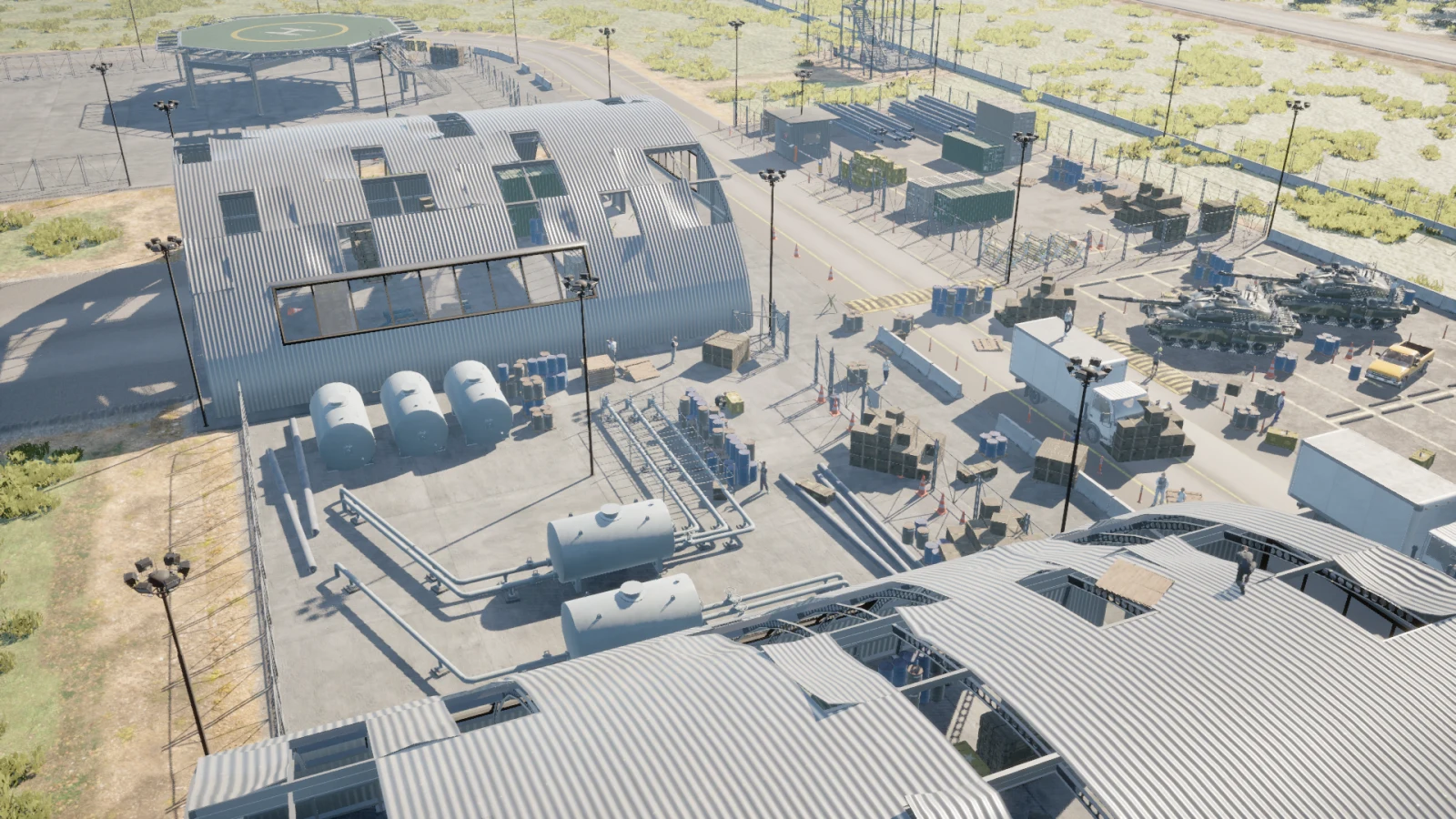
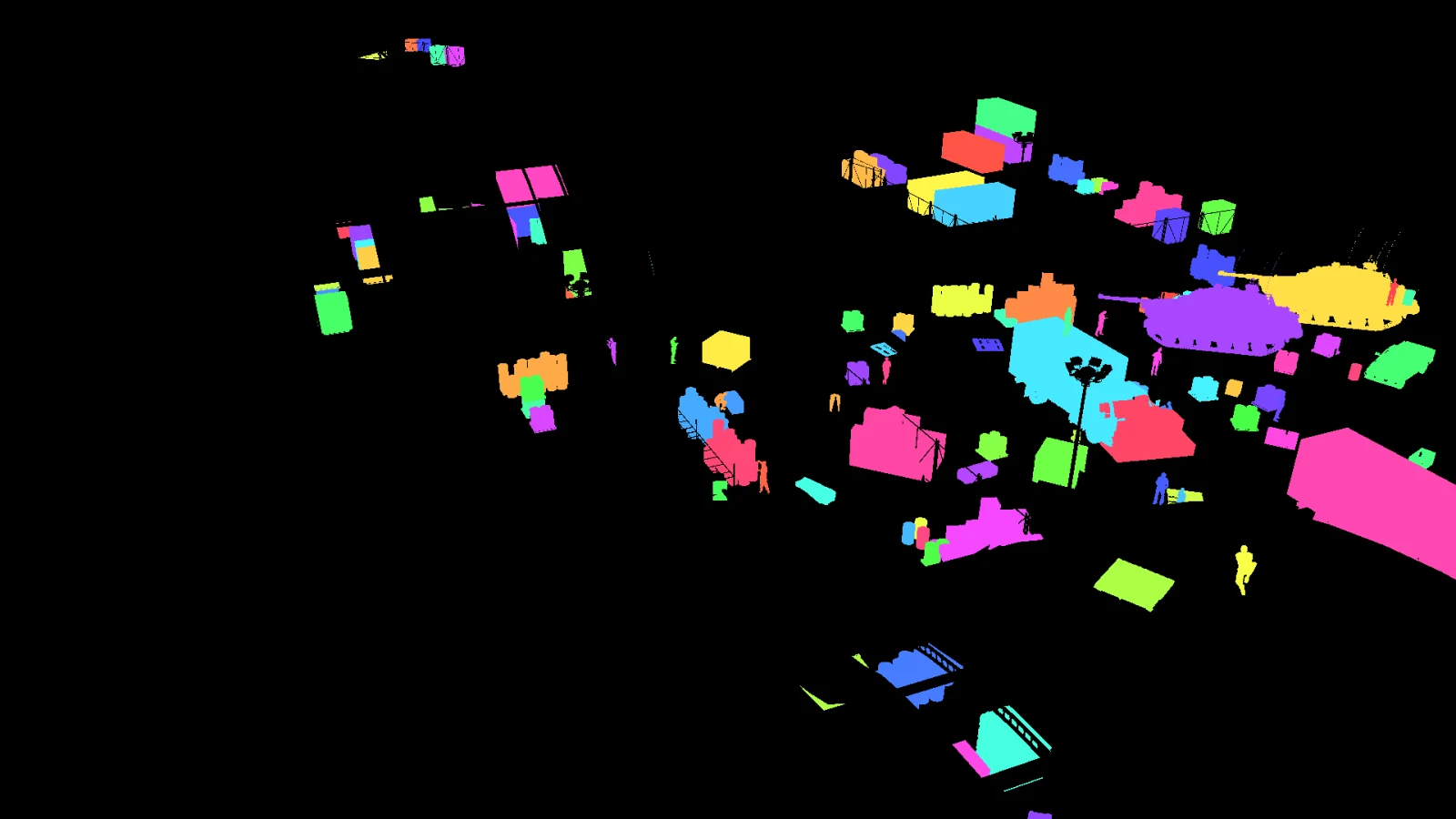
Every capture writes these together. They are aligned by construction, because they come out of the same render rather than being reconciled afterwards.

RGB output for frame plugin_000004RGB
The render itself, at the recipe's resolution and lens.
INSTANCE output for frame plugin_000004INSTANCE
A distinct id per object. 105 of them in this frame.
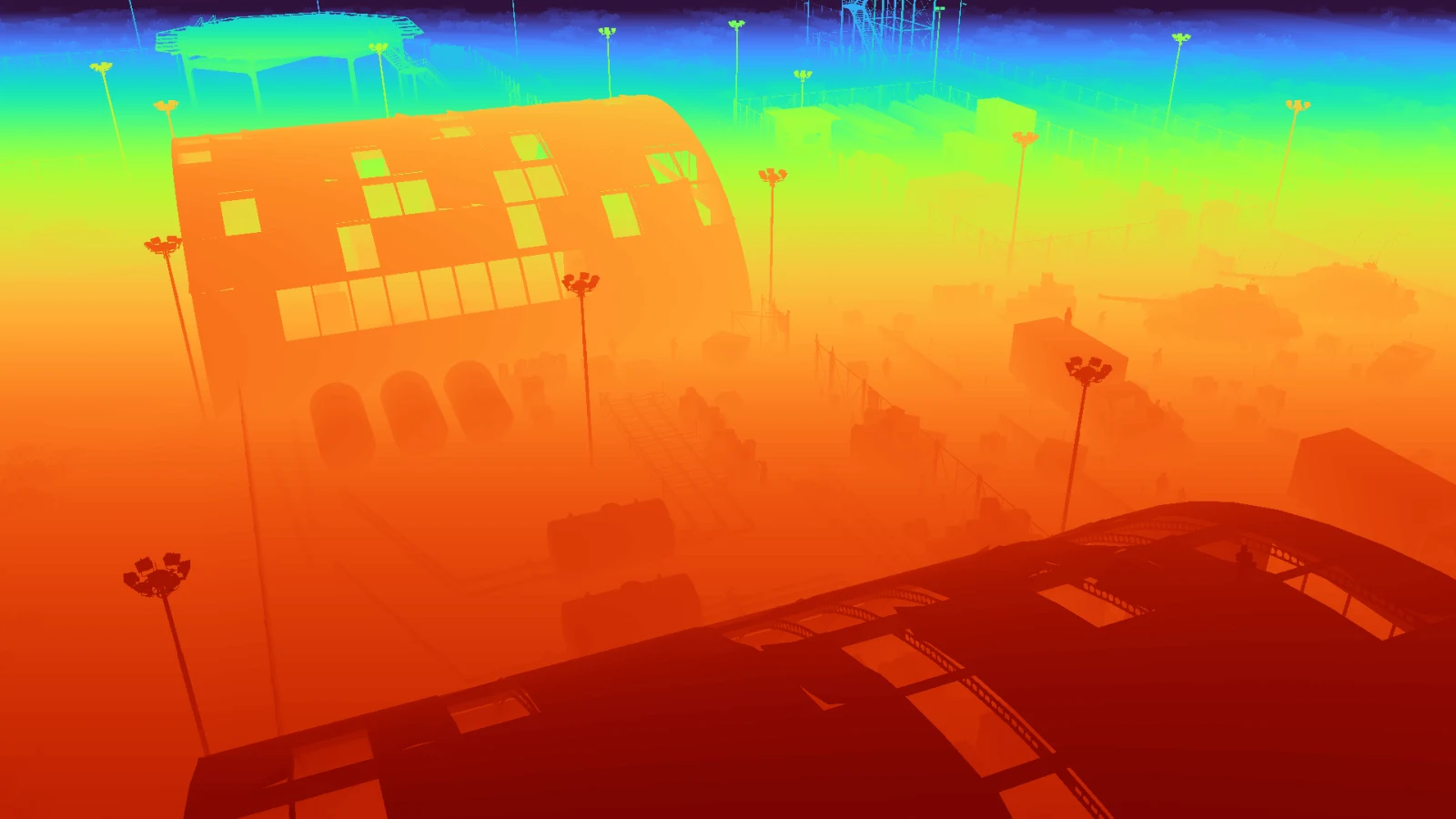
DEPTH output for frame plugin_000004DEPTH
Metres per pixel, 24.8 to 194.7 here.
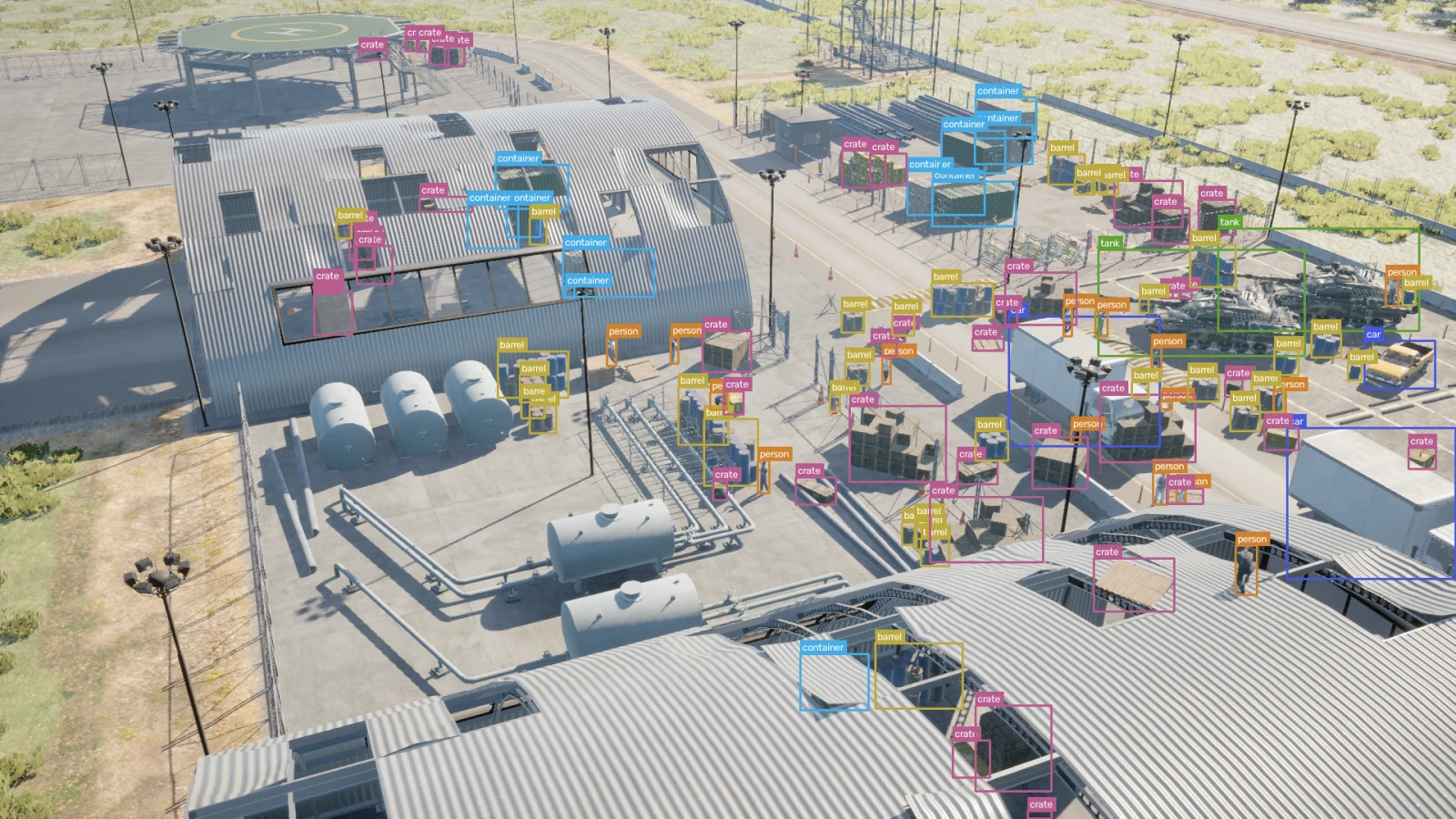
BBOX output for frame plugin_000004BBOX
Boxes measured from the ID buffer, occlusion included.
METADATA
  • barrel33
  • car3
  • container11
  • crate41
  • person15
  • tank2
Class, instance id, distance, camera and the configuration that produced them, written next to the images.
Preview

See the dataset before you commit to the run.

A generation run is the expensive part. Everything that can go wrong in one can be found before it starts, so NameFrame puts three cheap steps in front of it instead of a single button that either works or wastes an afternoon.

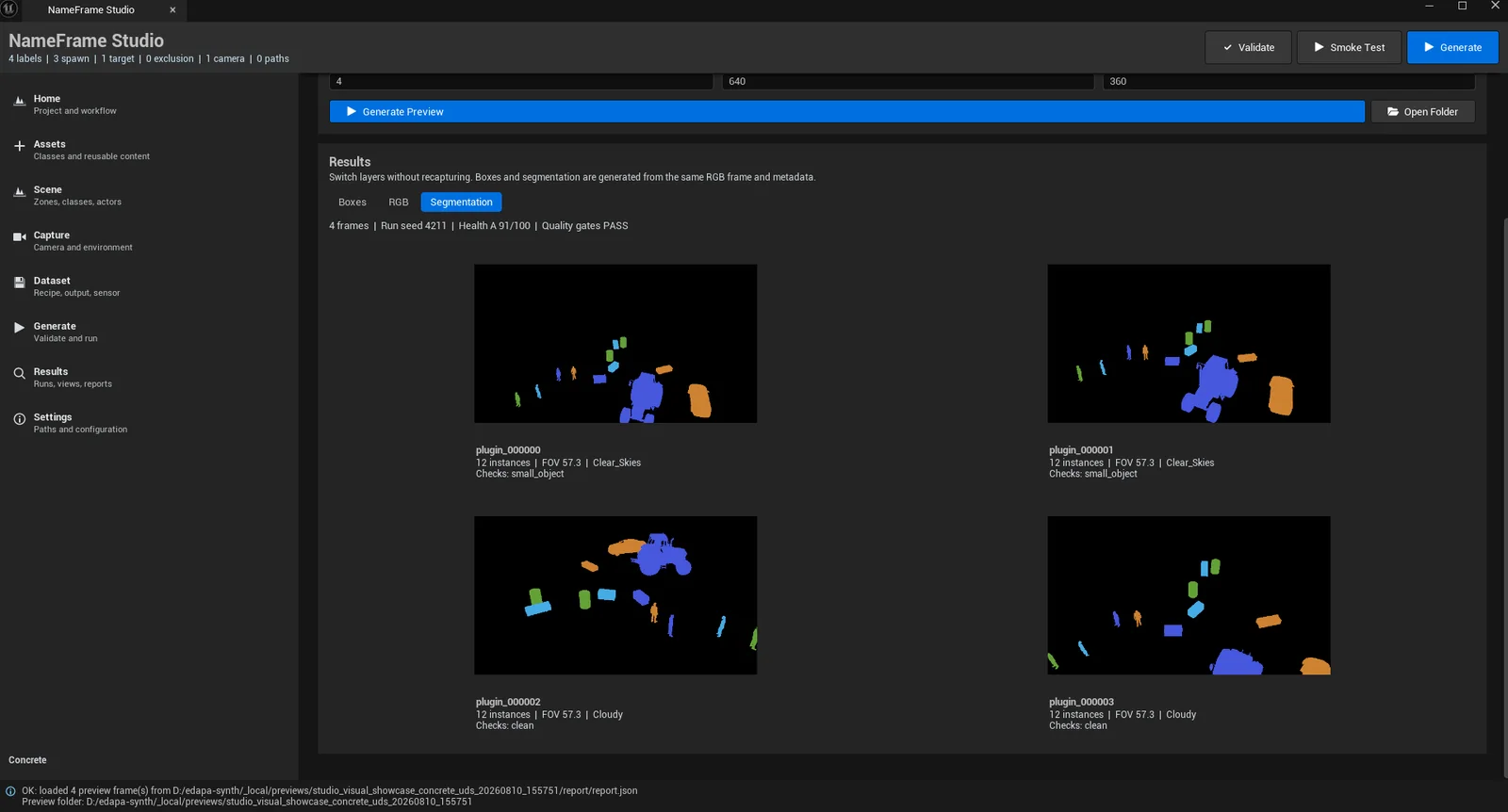
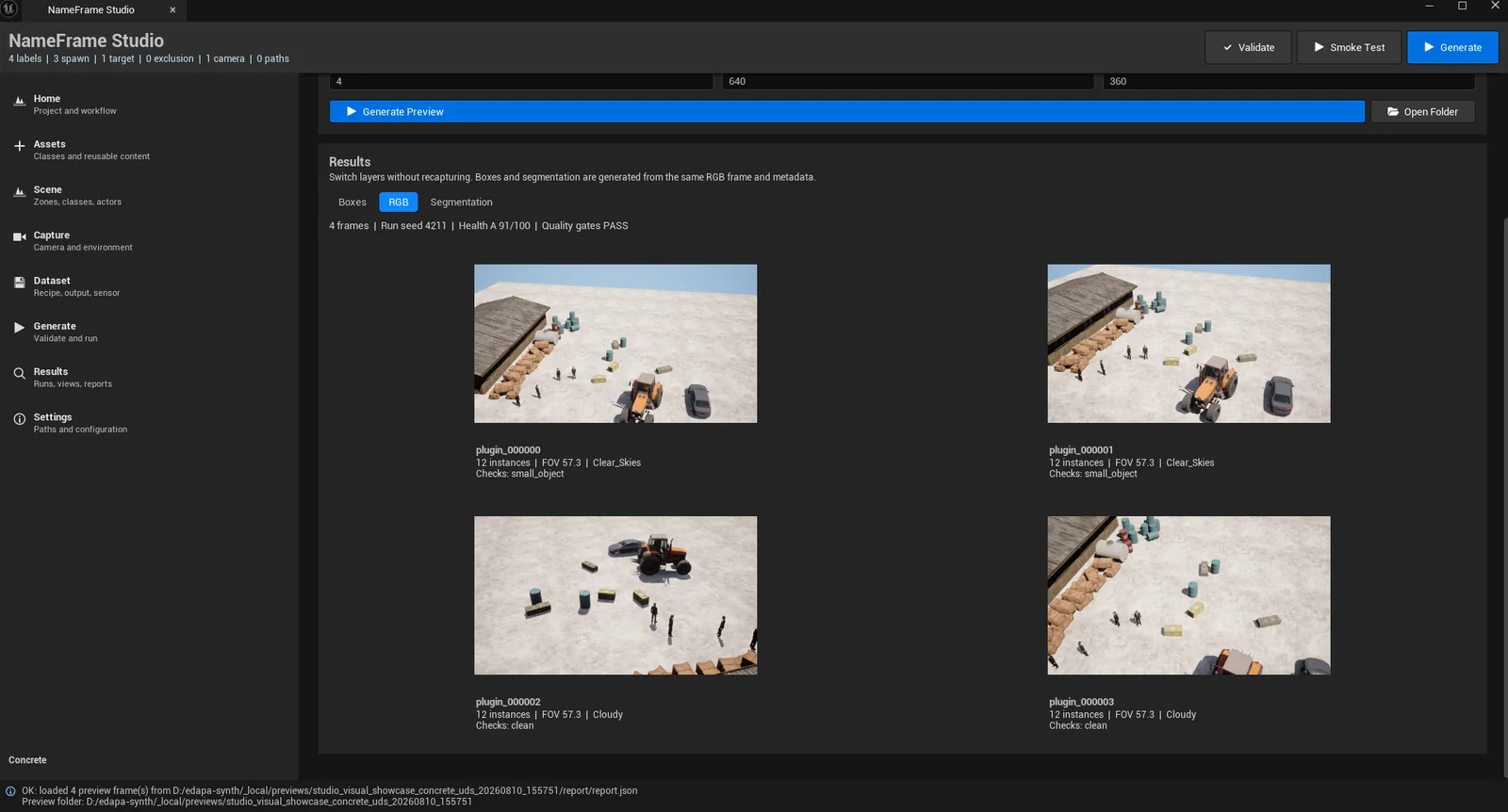
The Preview Lab showing the segmentation layer of four preview framesThe Preview Lab showing the rgb layer of four preview frames
NameFrame Studio, Preview LabUnretouched screenshot4 preview frames at 640×360, run seed 4211

The preview is a different, smaller run than the Map_Airbase_Demo capture the rest of this page uses. It reports its own seed, health grade and gate result on the same line as the frames, because a preview you cannot judge is only a picture.

What one run leaves behind.

The 40-frame capture this site keeps referring to produced 4,378 annotated instances, and a paper trail for each of them.

A raw dump

Rendered RGB, the identity buffer, float depth in metres, and a per-frame JSON record holding the camera pose, every actor position, and the environment state at the moment of capture.

A spawn manifest per frame

What the spawner was asked for, what it placed, what it refused, and why. Hashed, and checked against the run index afterwards.

Derived labels

Boxes and masks computed from the identity buffer, with occlusion handled by construction rather than by heuristic, exported to YOLO and COCO.

A configuration snapshot

The whole run contract, hashed. If the scene, classes, camera policy or seed changed, the hash changes with them.

Reports

Quality gates, verification checks, previews, and a graded summary. Failures included, because a report that only records success is not a report.